
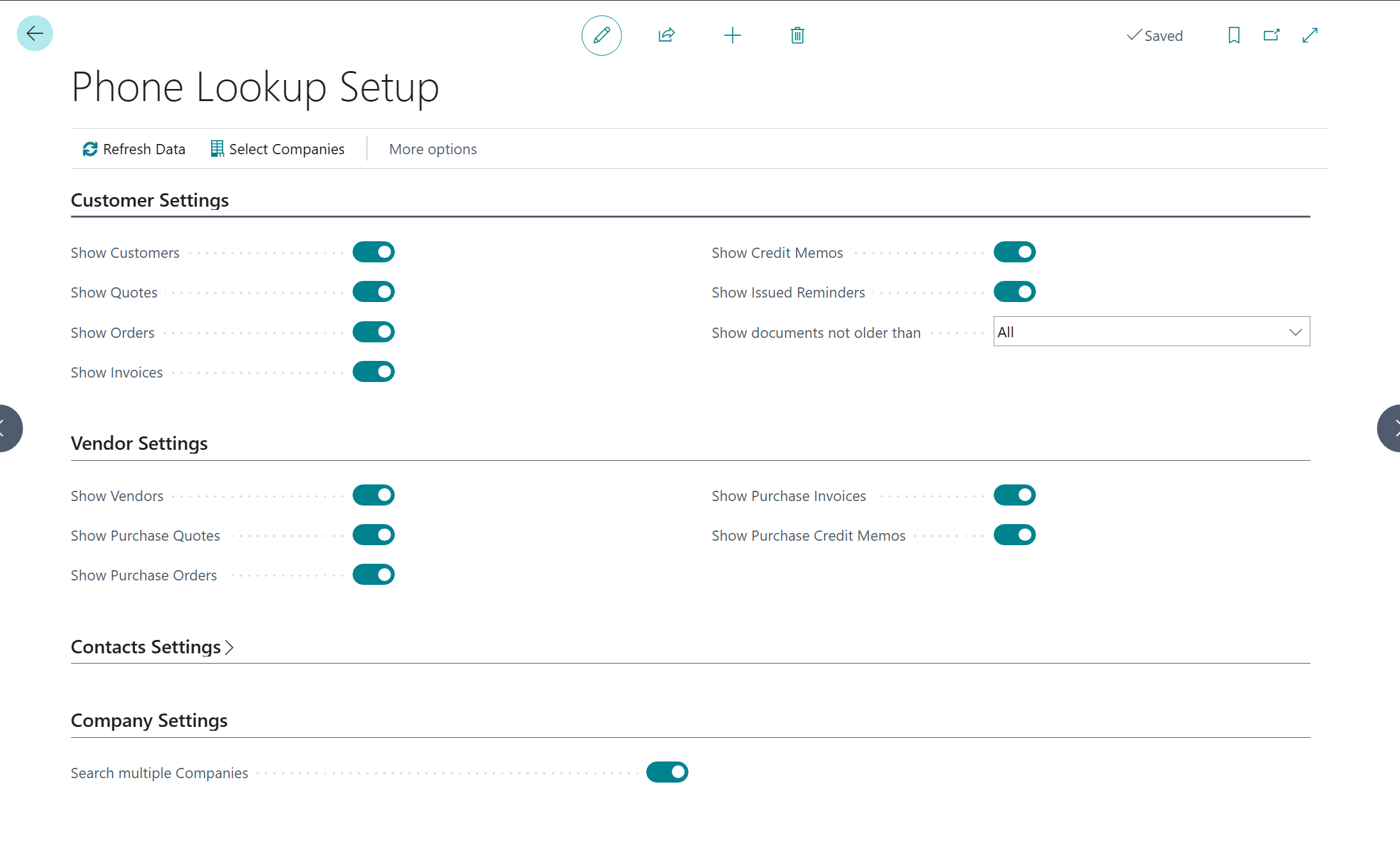
The initial setup configures the normalization rules for phone numbers and builds the internal phone directory. Without these steps, no search results can be returned.
Open the Setup Page
Select the search icon (Alt+Q), enter Phone Lookup Setup, and select the related link.
The setup record is created automatically the first time you open the page. No additional manual preparation is required.
Configure Country Prefixes
Country prefixes define how phone numbers are normalized per country. An entry must exist for every country code used on customer, vendor, or contact cards.
-
Select the search icon (Alt+Q), enter Phone Country Prefixes, and select the related link.
-
Add an entry for each relevant country:
|
Country Code |
Country Prefix |
Remove Local Prefix |
|---|---|---|
|
DE |
49 |
0 |
|
CH |
41 |
0 |
|
AT |
43 |
0 |
|
US |
1 |
1 |
|
GB |
44 |
0 |
Important: The country code must exactly match the Country/Region Code field on the respective customer, vendor, or contact card. If no country code is stored, normalization will be skipped for that record.
Build the Phone Directory
The internal phone directory reads all phone numbers from customers, vendors, and contacts, normalizes them, and stores them as a search index.
-
On the setup page, select the Refresh Data action.
-
Wait for the process to complete.
Note: This step must be repeated after any bulk import of master data or after changes to the country prefixes.
Next Steps
After the initial setup, you can:
-
Configure document types and document age under Setup and Configuration
-
Set up cross-company search if multiple Business Central companies are present
-
Connect your phone system so that incoming calls automatically trigger a search