
Country prefixes define how phone numbers are normalized per country. An entry must exist for every country code used on customer, vendor, or contact cards.
To open the country prefix list, select the search icon (Alt+Q), enter Phone Country Prefixes, and select the related link.
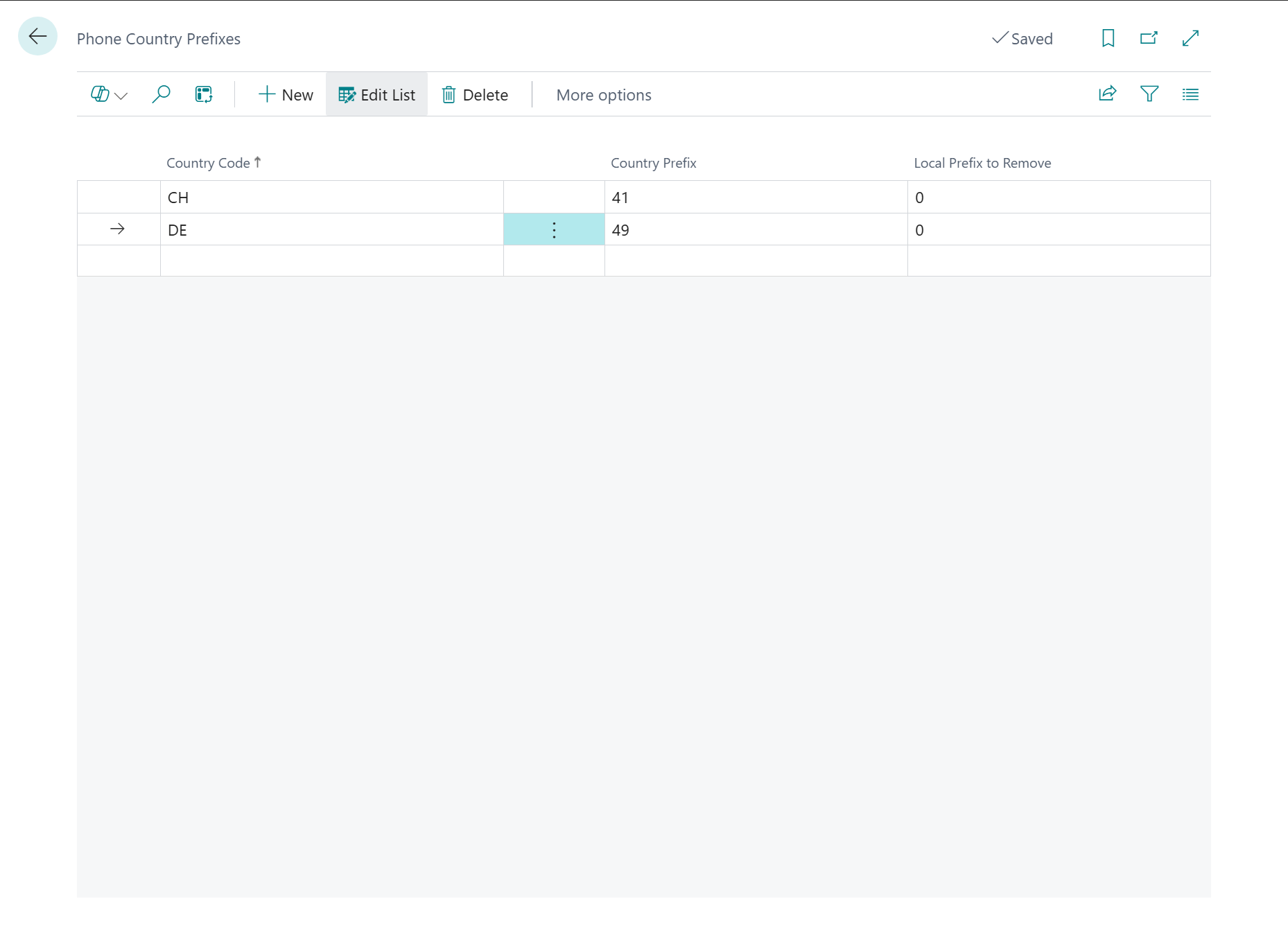
Create a New Entry
-
On the Phone Country Prefixes page, select the New action.
-
Fill in the fields as described below.
Fields
|
Field |
Description |
|---|---|
|
Country Code |
The Business Central country/region code (e.g. DE, CH, AT). Must exactly match the Country/Region Code field on the respective customer, vendor, or contact card. |
|
Country Prefix |
The international dialing code without a leading |
|
Local Prefix to Remove |
A local dialing prefix that is removed before normalization. In most European countries this is |
Example Configuration
|
Country Code |
Country Prefix |
Local Prefix to Remove |
|---|---|---|
|
DE |
49 |
0 |
|
CH |
41 |
0 |
|
AT |
43 |
0 |
|
US |
1 |
1 |
|
GB |
44 |
0 |
Normalization Examples
|
Input |
Country Code |
Result |
|---|---|---|
|
0123 456 789 |
DE |
+49123456789 |
|
+49 123 456-789 |
DE |
+49123456789 |
|
0049123456789 |
DE |
+49123456789 |
|
(555) 123-4567 |
US |
+15551234567 |
Important: If a customer, vendor, or contact has no country/region code stored, normalization will be skipped for that record. Make sure all relevant master data records have a country code set.
Note: After adding or changing country prefixes, you must rebuild the phone directory via Phone Lookup Setup → Refresh Data for the changes to take effect.