
The company selection defines which Business Central companies are included in a cross-company search.
When to Use Company Selection
Use the company selection when your organization operates multiple Business Central companies and master data is distributed across companies. Common scenarios:
-
A contact is only maintained in a subsidiary's company.
-
Customers are split across multiple companies by region.
-
A central service team handles calls for all companies.
Note: Company selection is only relevant when Search Multiple Companies is enabled on the setup page.
Open Company Selection
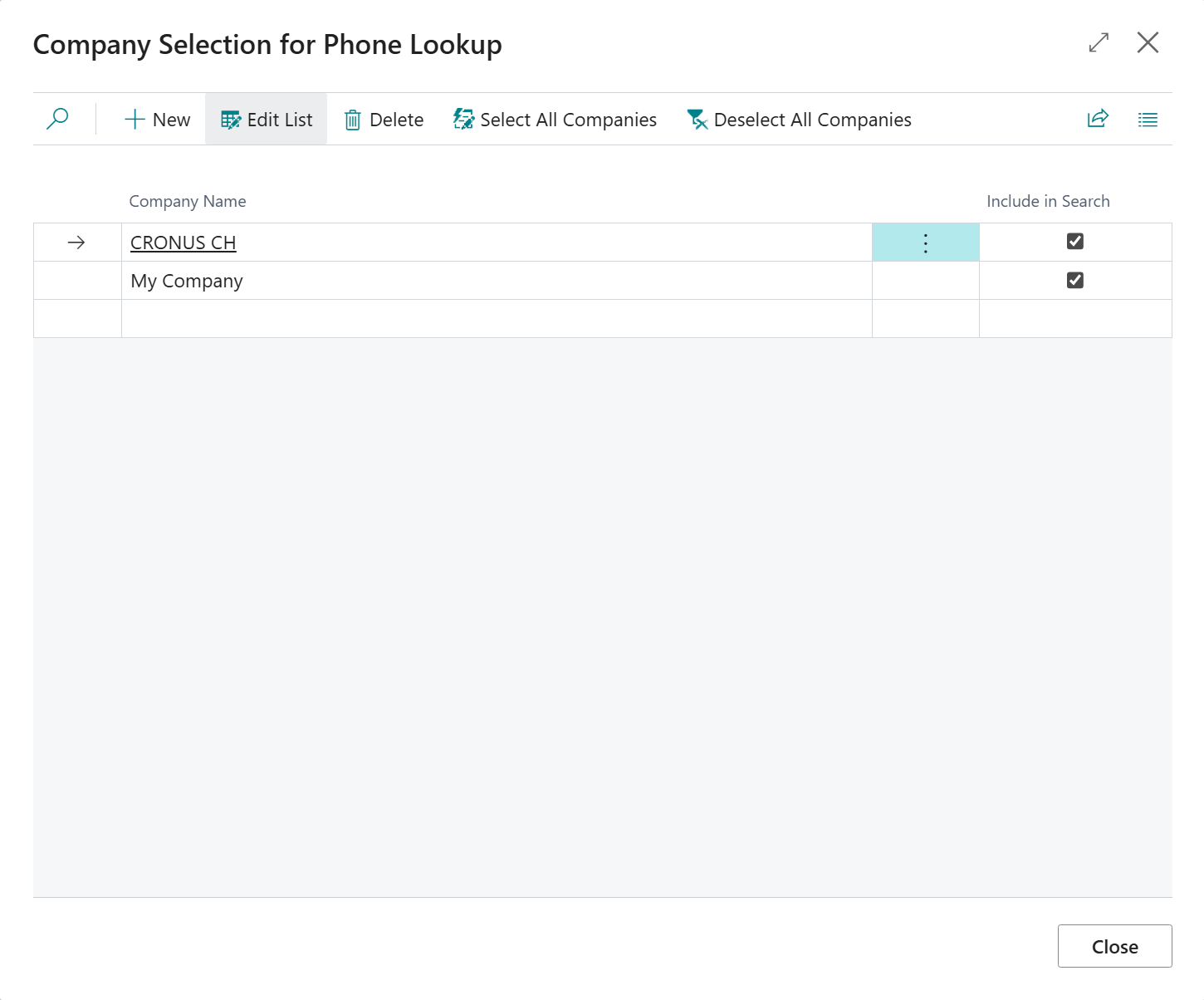
Open the Phone Lookup Setup page and select the Select Companies action.
Fields
|
Field |
Description |
|---|---|
|
Company Name |
The name of the Business Central company. Read-only. |
|
Include in Search |
When enabled, this company is searched during phone lookup. |
Note: The current company is always included and cannot be deselected.
Actions
|
Action |
Description |
|---|---|
|
Select All Companies |
Sets Include in Search to active for all companies. |
|
Deselect All Companies |
Sets Include in Search to inactive for all companies — except the current company. |
Build the Phone Directory per Company
Each included company requires its own phone directory to be built. Without a built directory, no results will be returned from that company.
-
Switch to the respective company.
-
Open Phone Lookup Setup → Refresh Data.
-
Repeat this for each included company.
Tip: Run Refresh Data in each company again whenever master data has been changed or imported there.