This guide describes how to restore a user's files in the OneDrive environment. The restoration is performed via the Microsoft 365 Admin Center and is suitable for accidentally deleted or overwritten files.
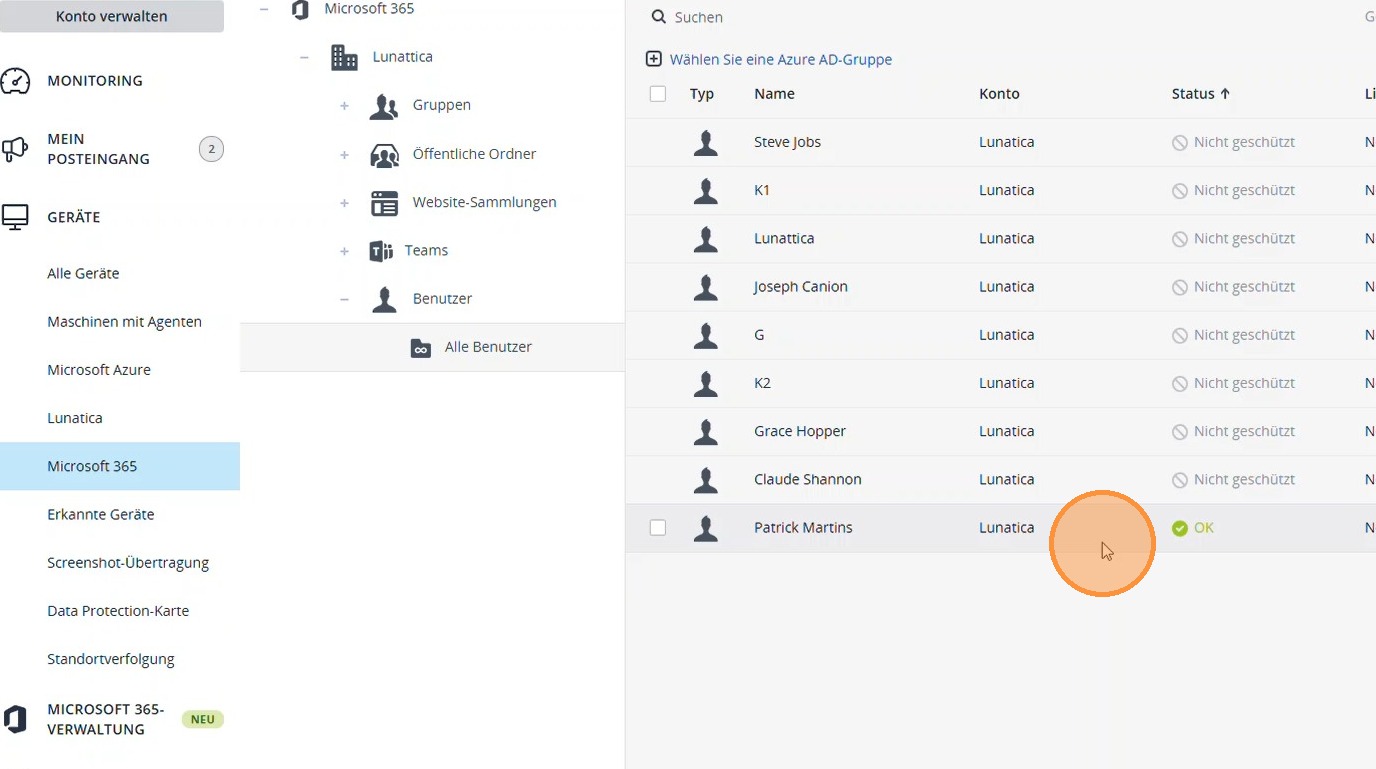
1. Under Microsoft 365, open the Users section and select the appropriate user.
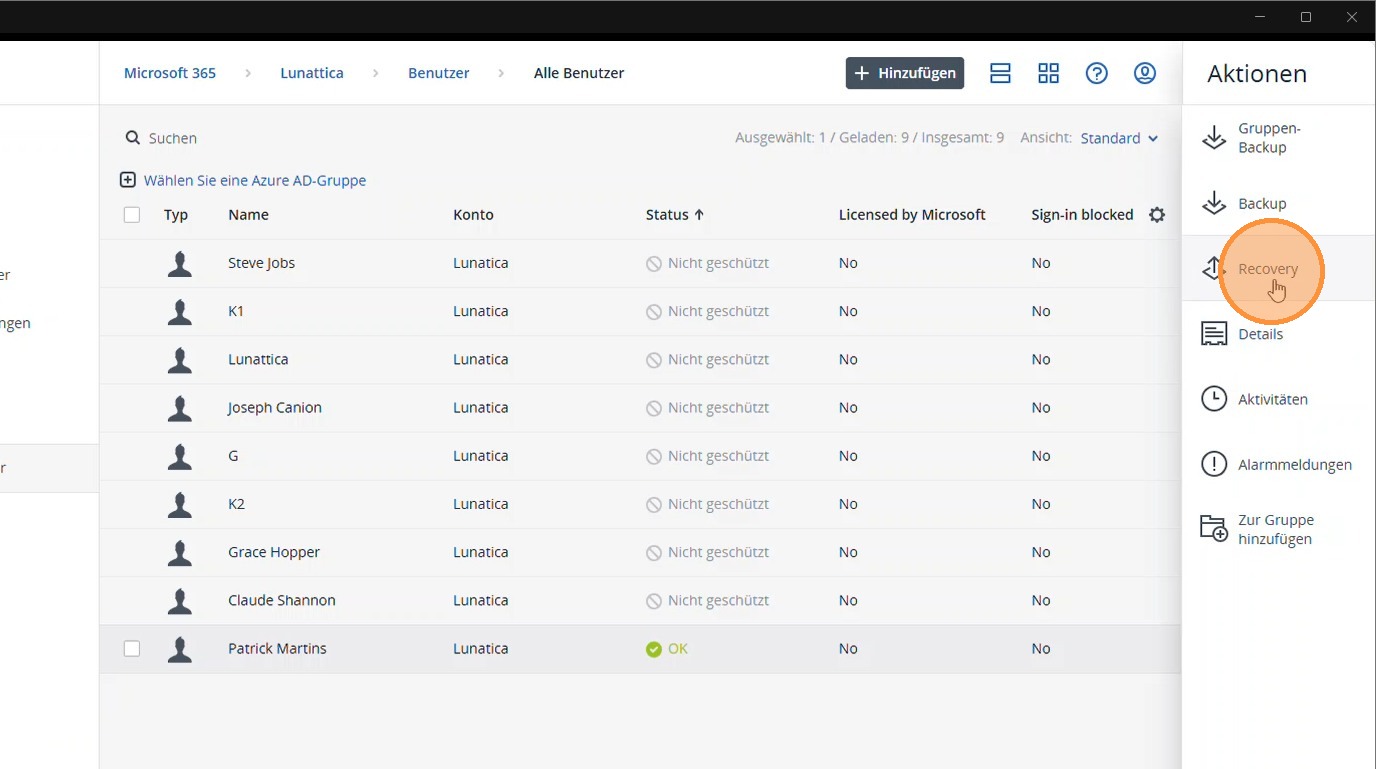
2. Select the Recovery section.
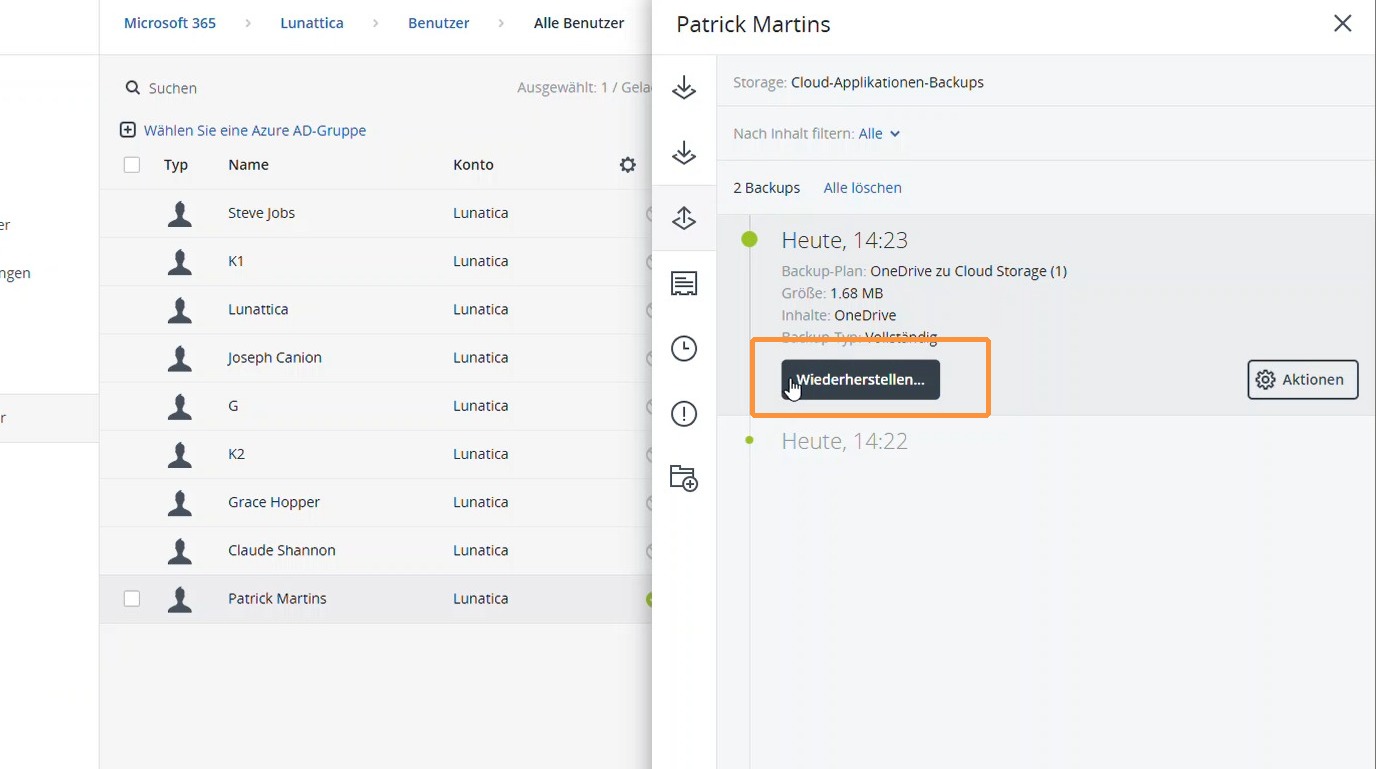
3. Select the relevant time period in the desired backup and click Restore.
4. Select the desired files or folders to restore specific data.
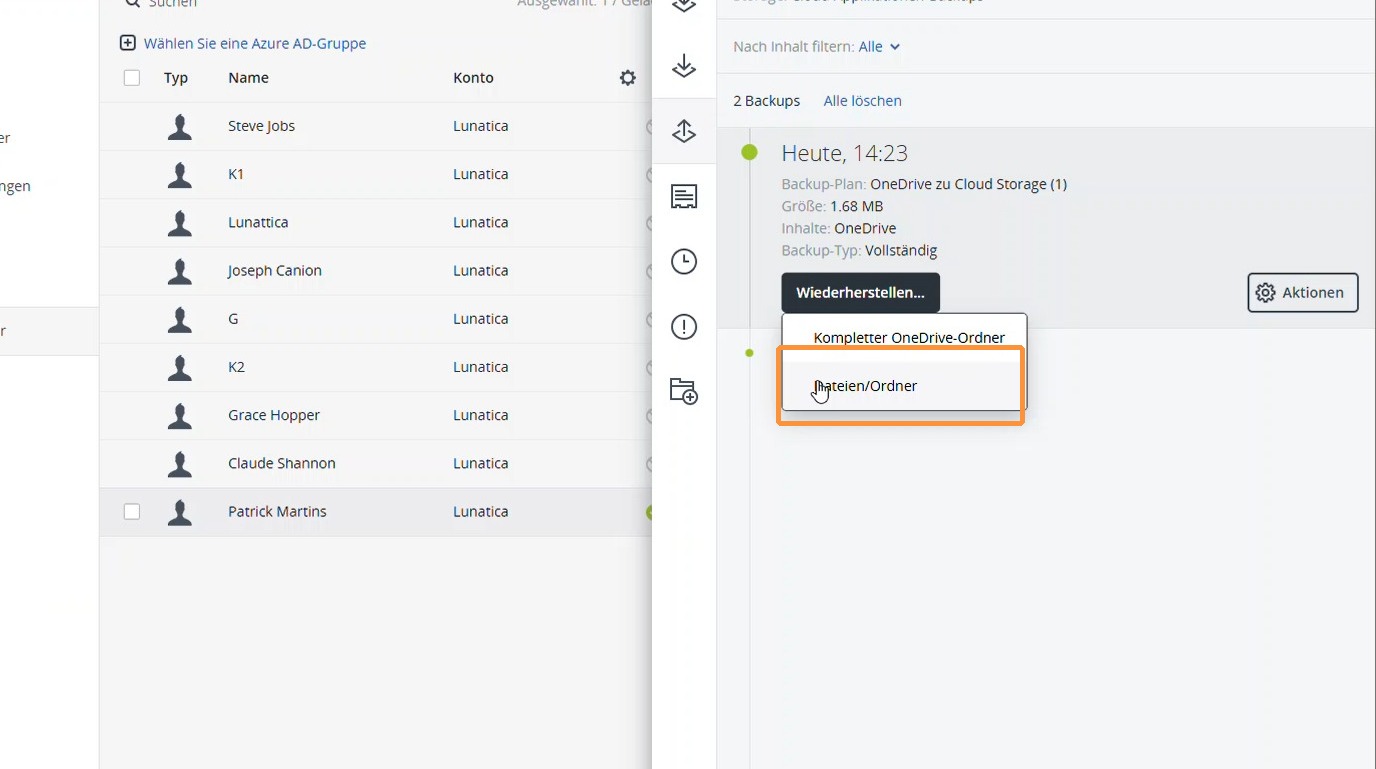
5. Select the desired file and choose Recovery or Download as needed.
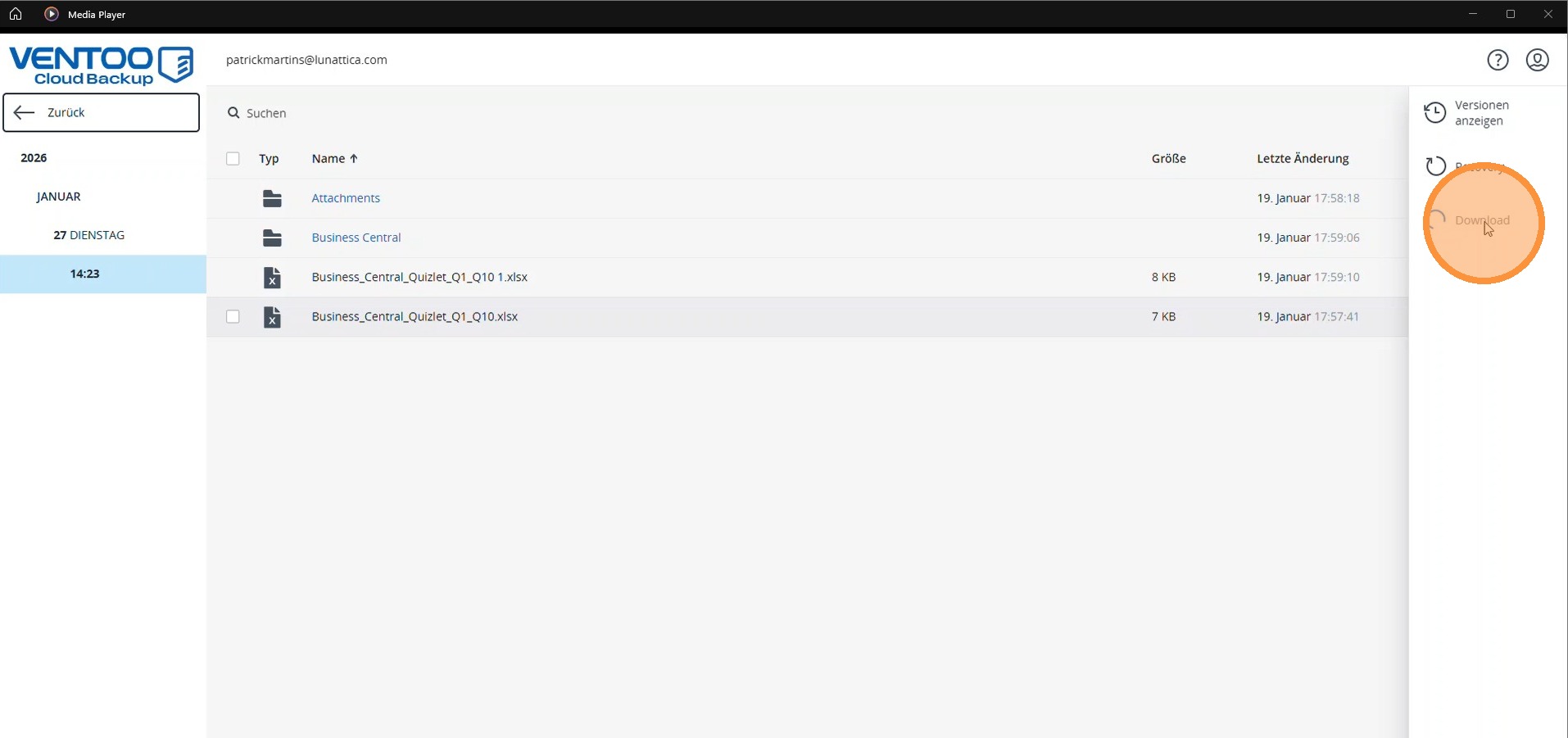
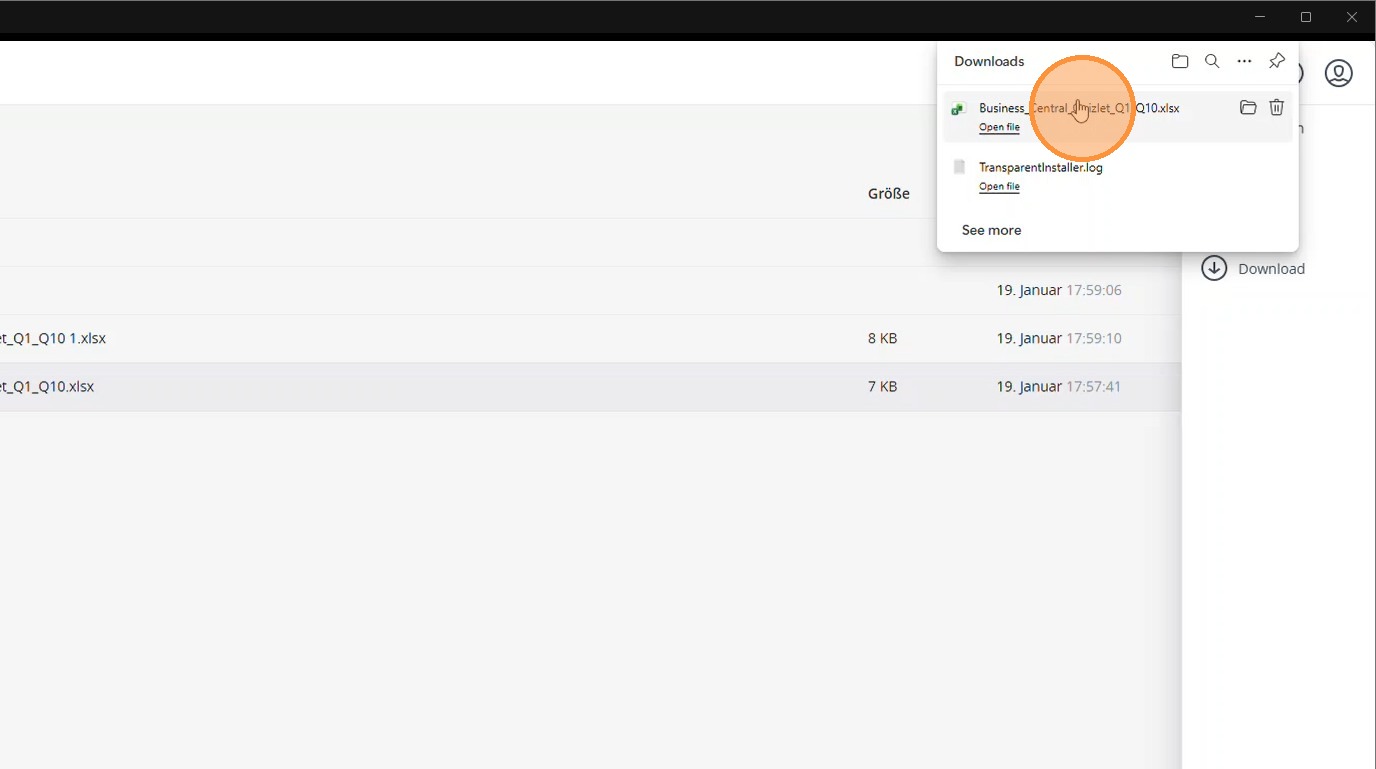
6. The file is downloaded and can be checked. It can then be restored directly to the user if necessary.