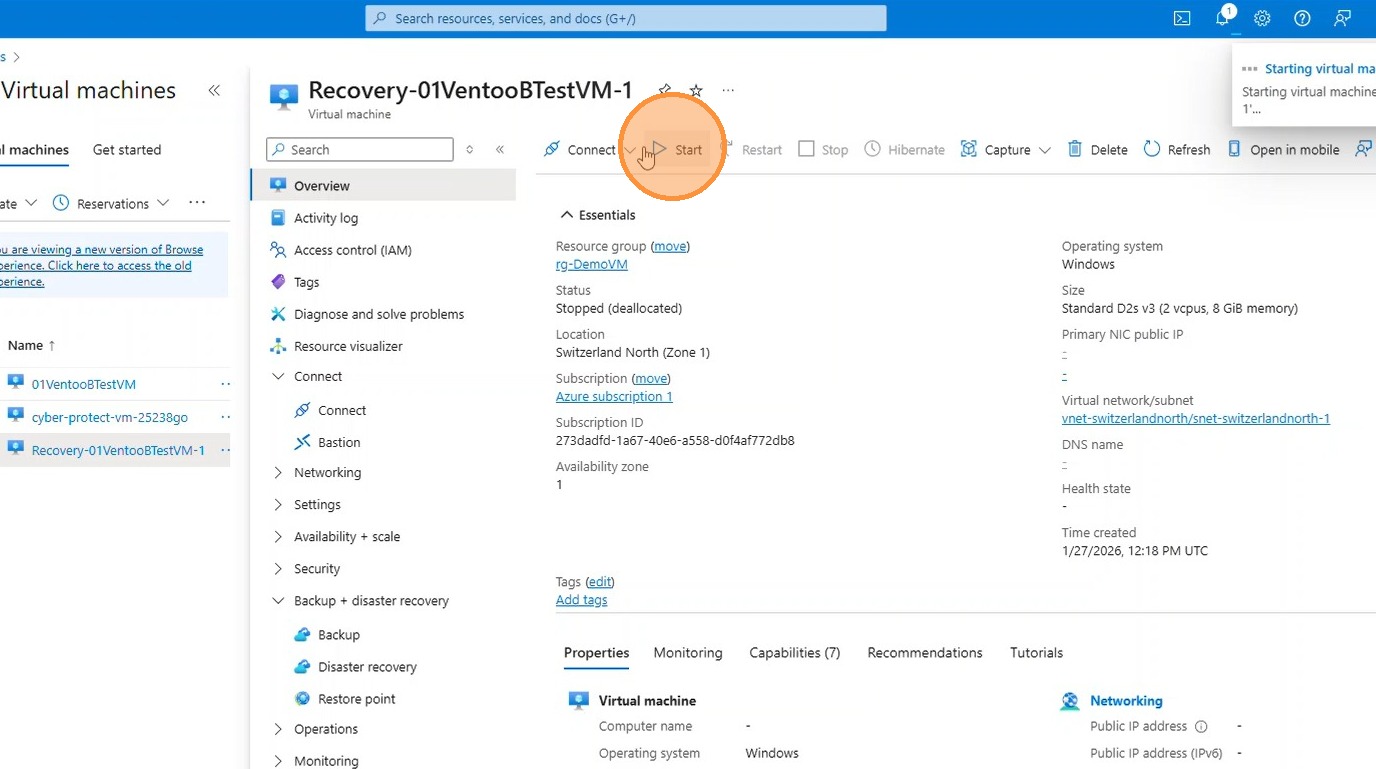
This guide describes how to restore a complete virtual machine from an existing backup as a new standalone VM. The existing VM remains unchanged. This method is suitable for testing, analysis, or if an existing virtual machine is no longer functional and needs to be rebuilt cleanly from a backup.
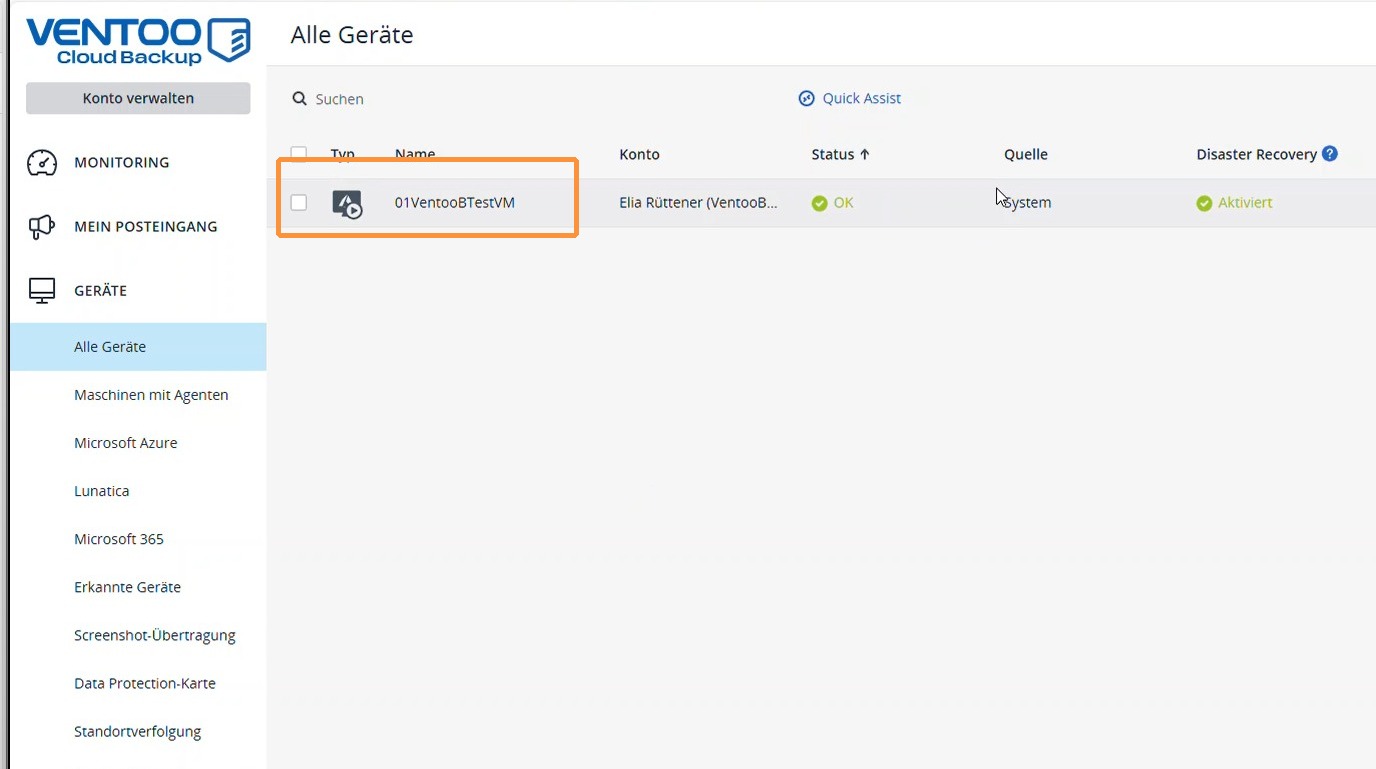
1. Select the appropriate virtual machine under All Devices.
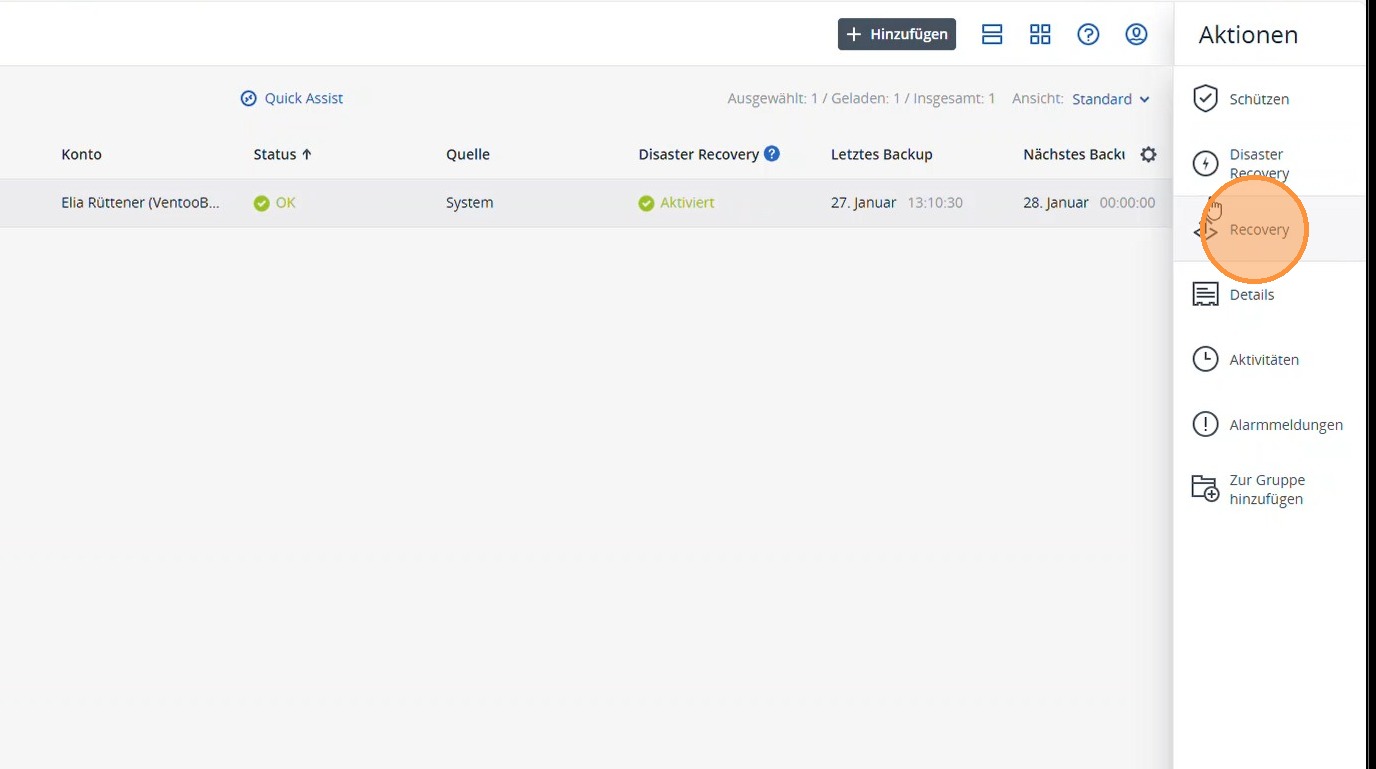
2. Select Recovery.
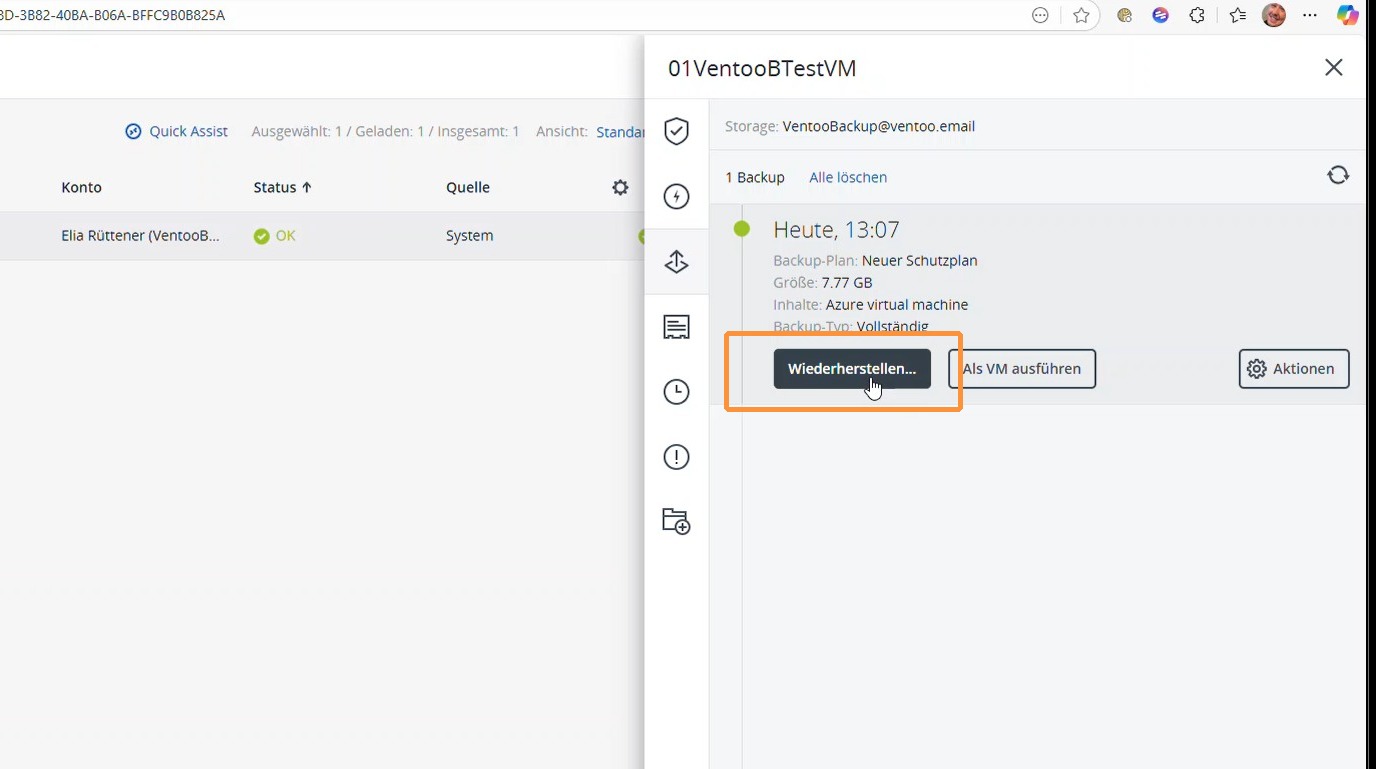
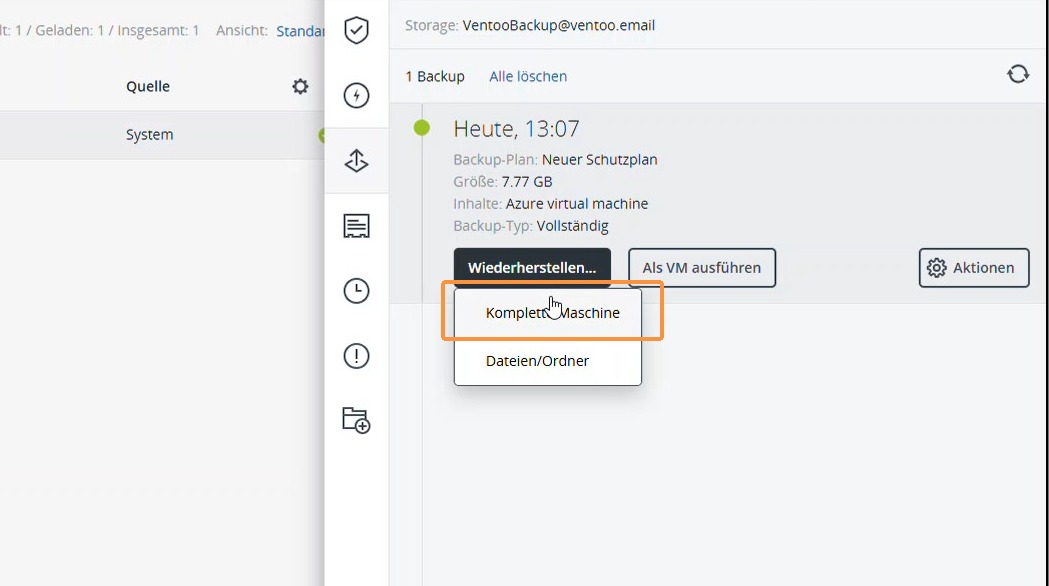
3. Select the appropriate backup date and click Restore.
4. Select Complete Machine.
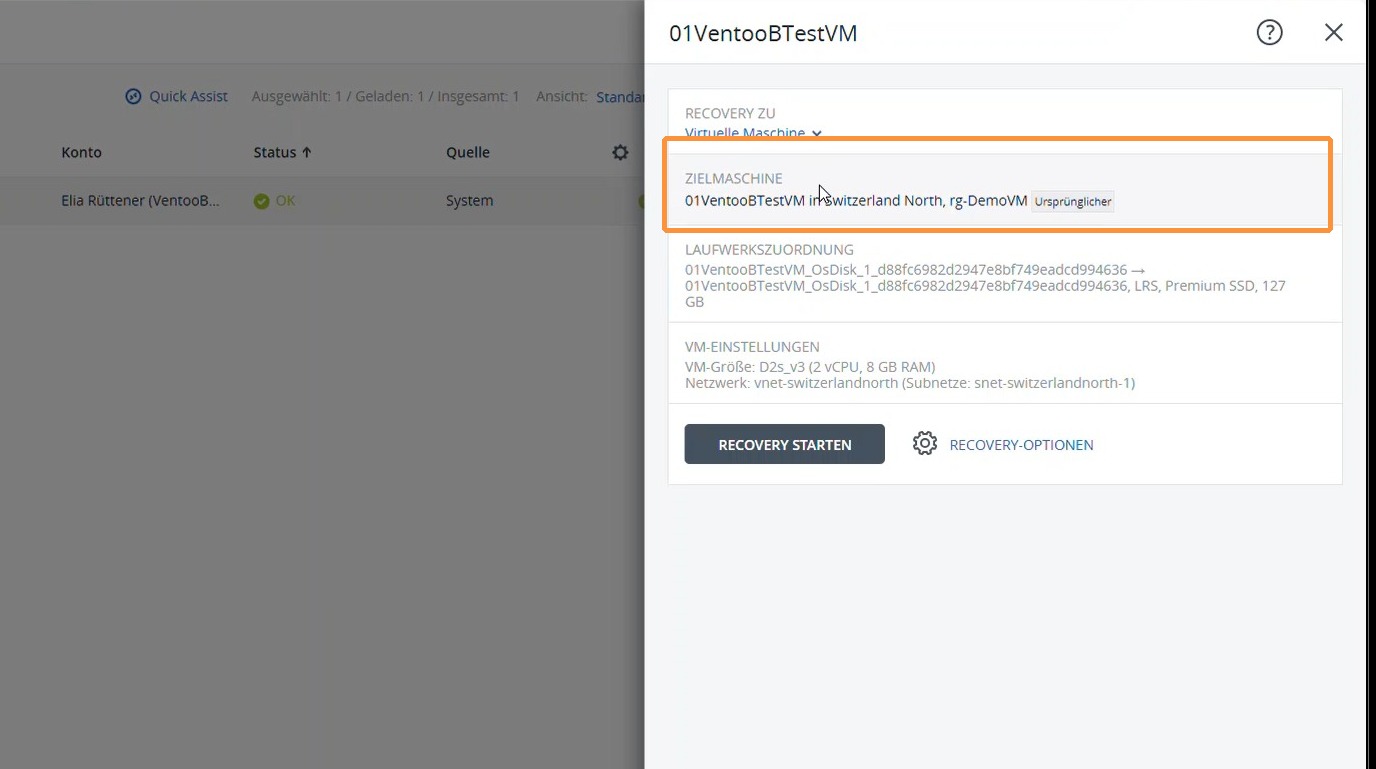
5. You can select the target machine under the recovery settings.
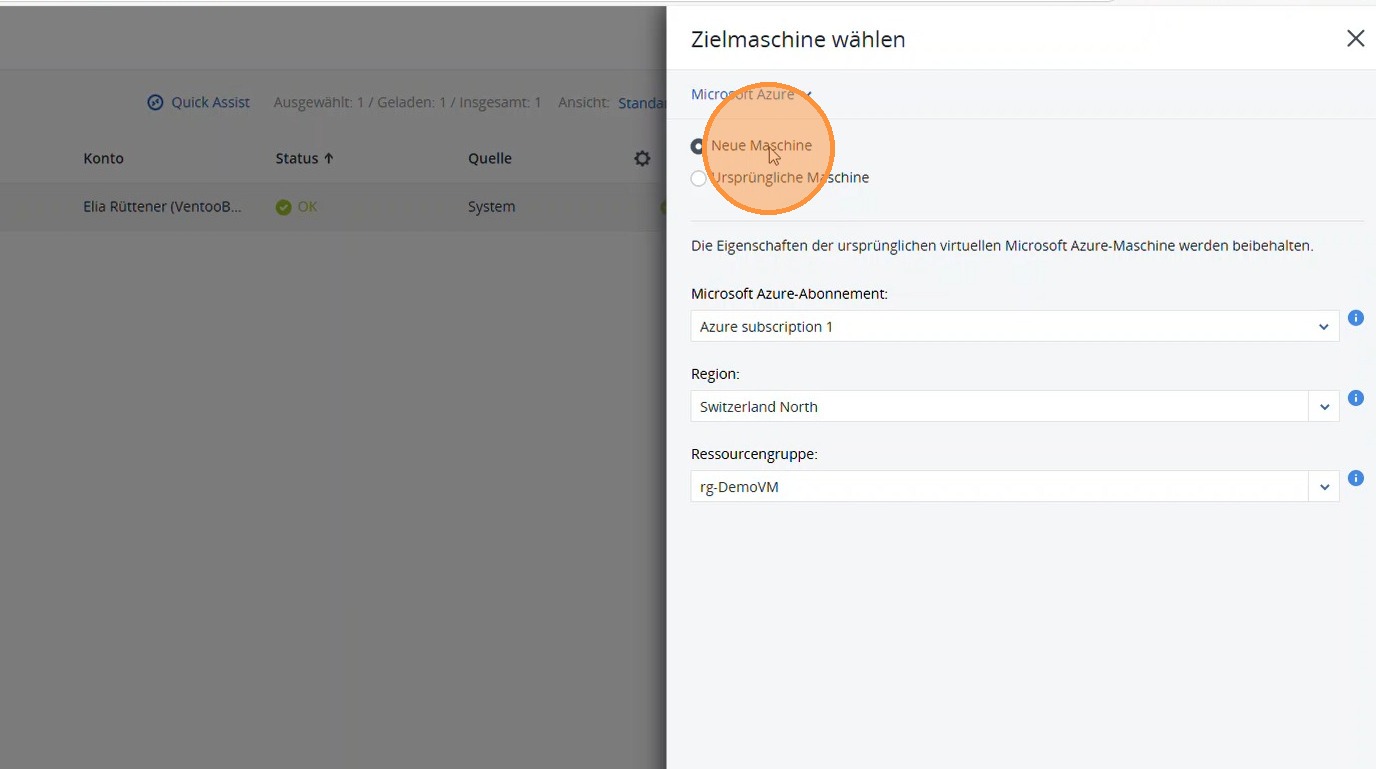
6. Select New Machine.
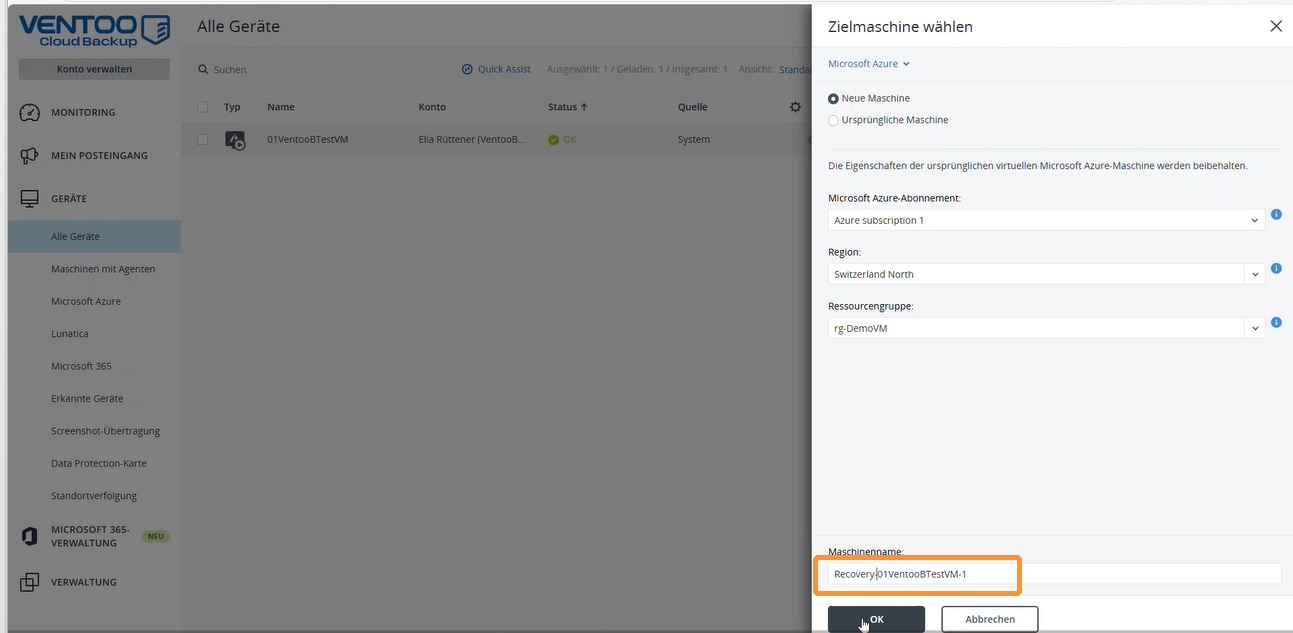
7. Give the newly created machine a suitable name. Example: Recovery-IDENTICALNAME.
Then confirm with OK.
8. The recovery VM is now being created. Depending on the size of the virtual machine, this process may take some time.
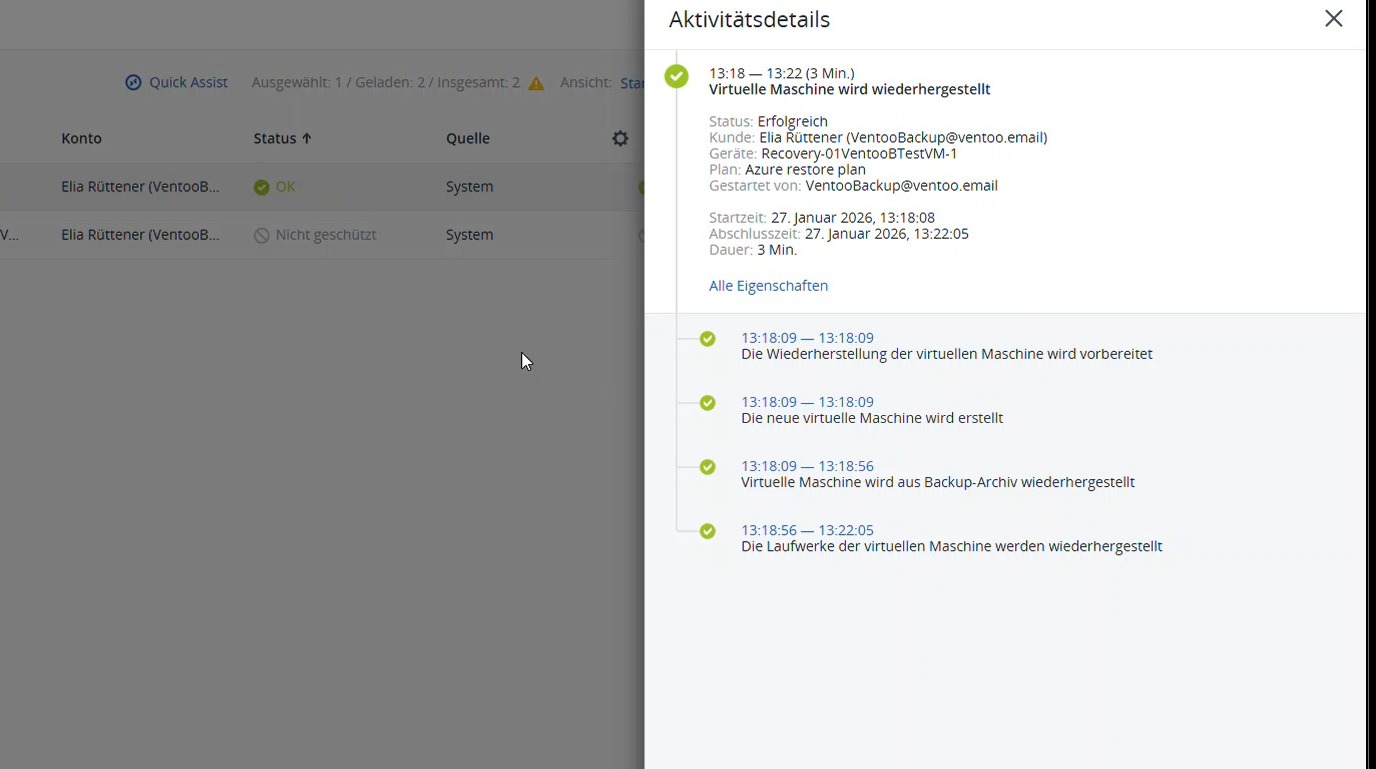
9. Once the process is complete, you will see the newly created recovery VM in the Azure Virtual Machines section.
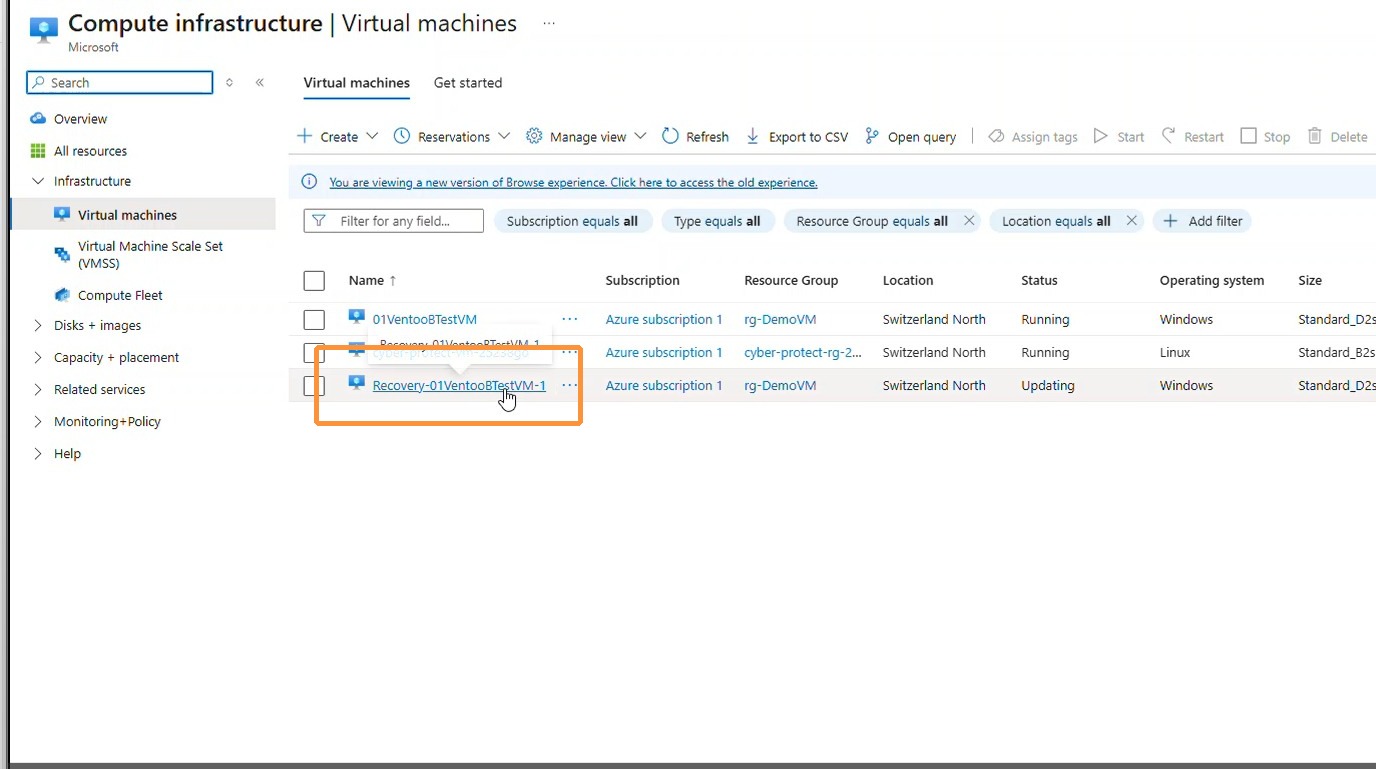
10. Once the recovery is complete, the recovery VM is visible in the Azure Virtual Machines section and can be started.