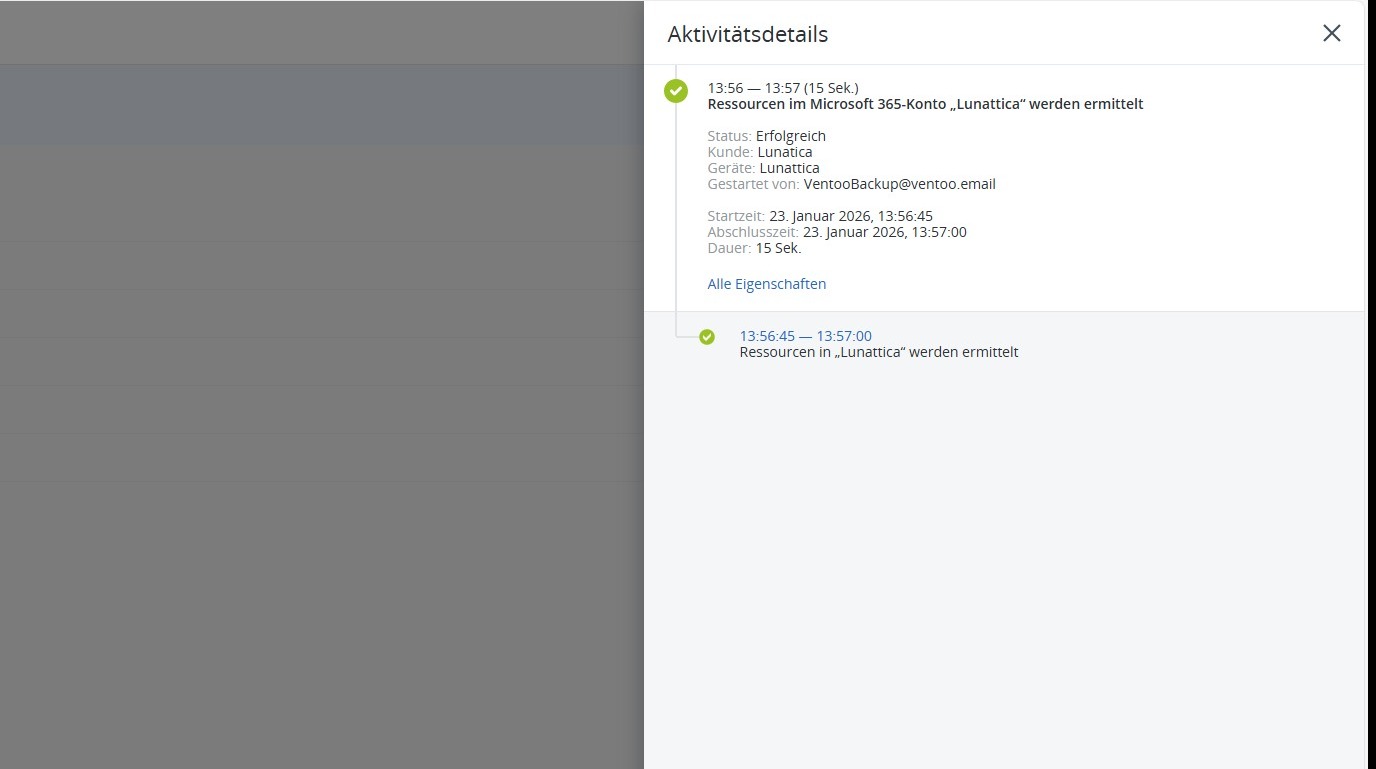
This section describes how to update the Microsoft 365 tenant so that newly created users or groups become visible in the backup system. This step is necessary if new objects have been created and cannot yet be selected for data backup. The update synchronizes the current users and groups, making them available for backups.
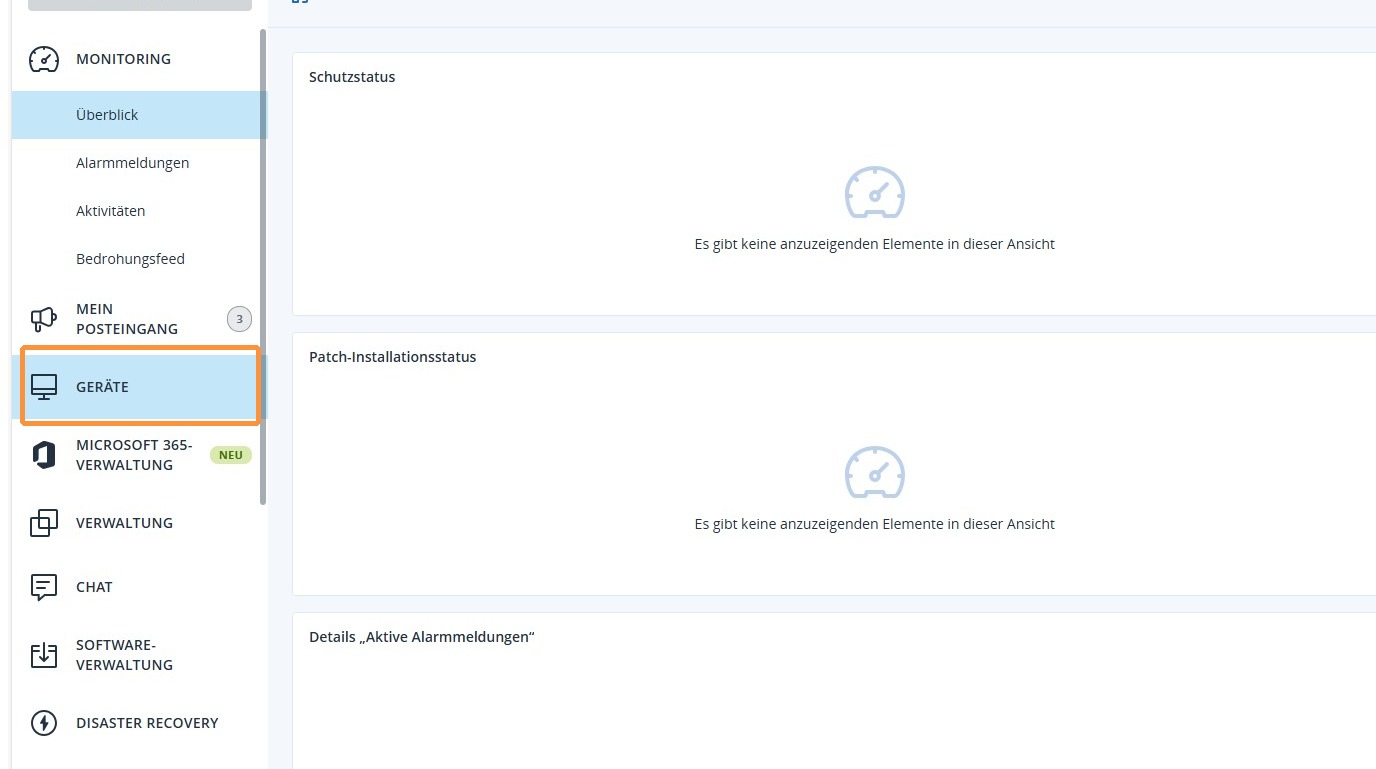
1. Go to Devices in the left menu bar.
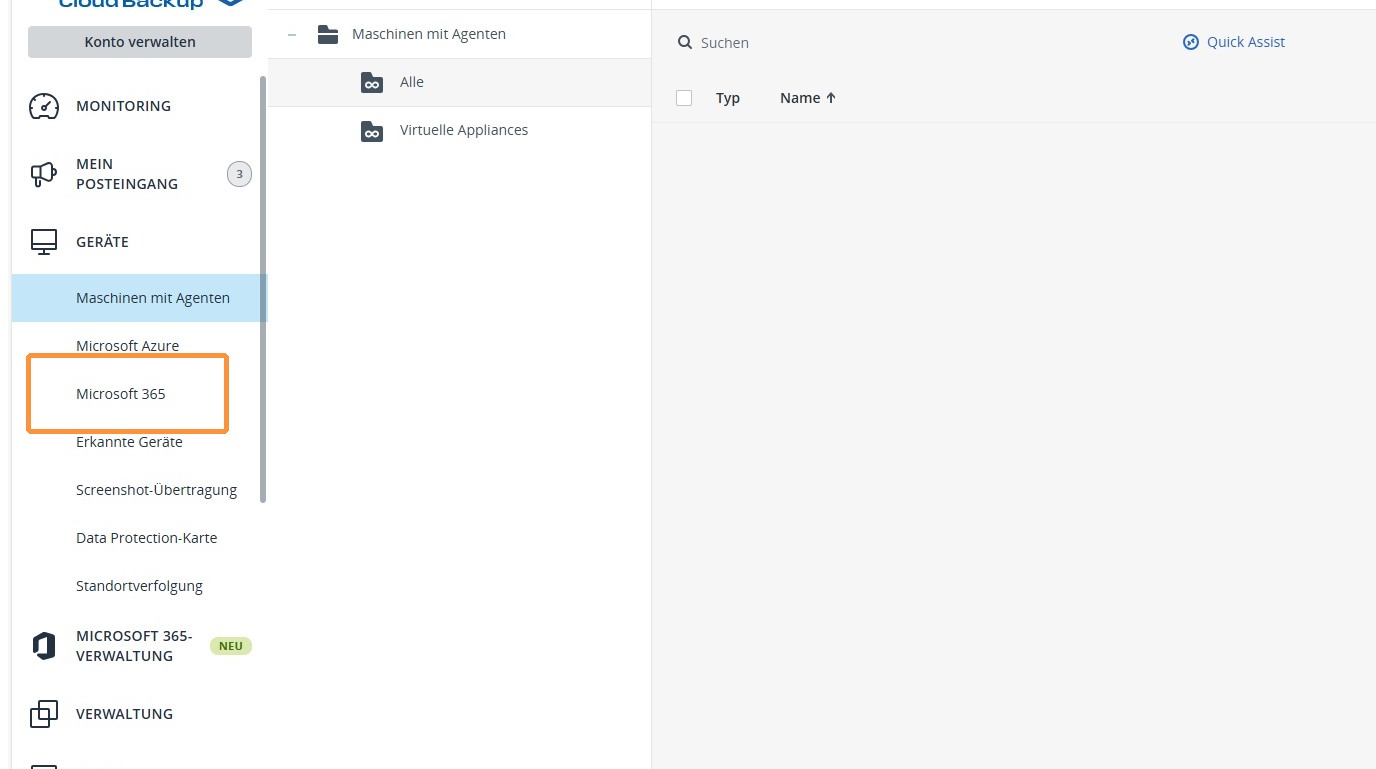
2. Now select Microsoft 365.
3. Now select the desired tenant and confirm by clicking Update on the right to synchronize the latest users and groups.
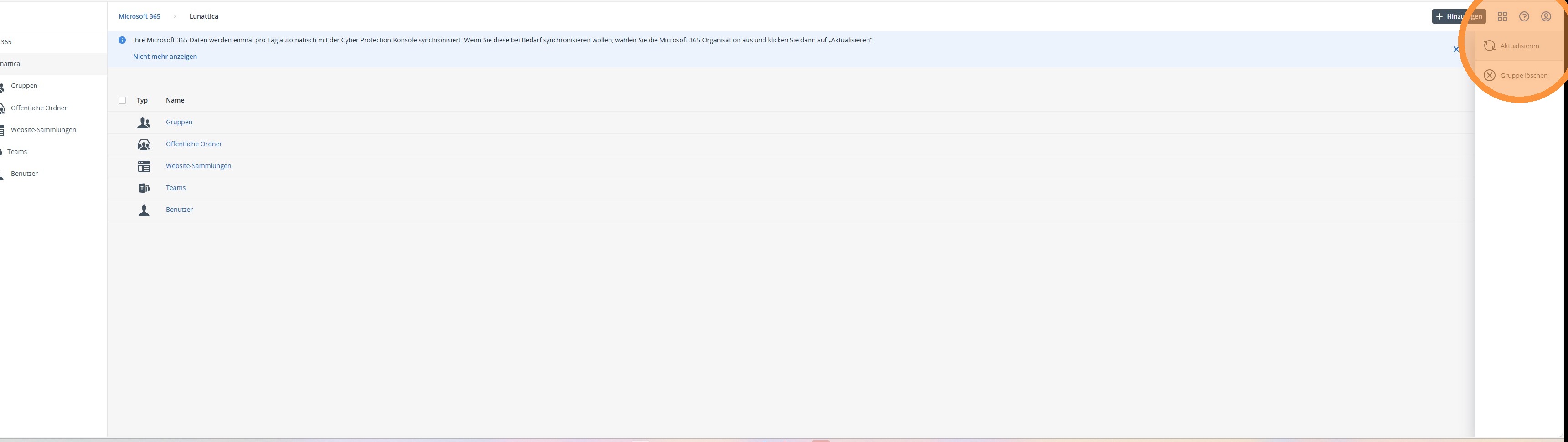
4. The data from your Microsoft 365 tenant will now be synchronized in Ventoo Cloud Backup. Depending on the size of your company and the amount of data available, this process may take some time.
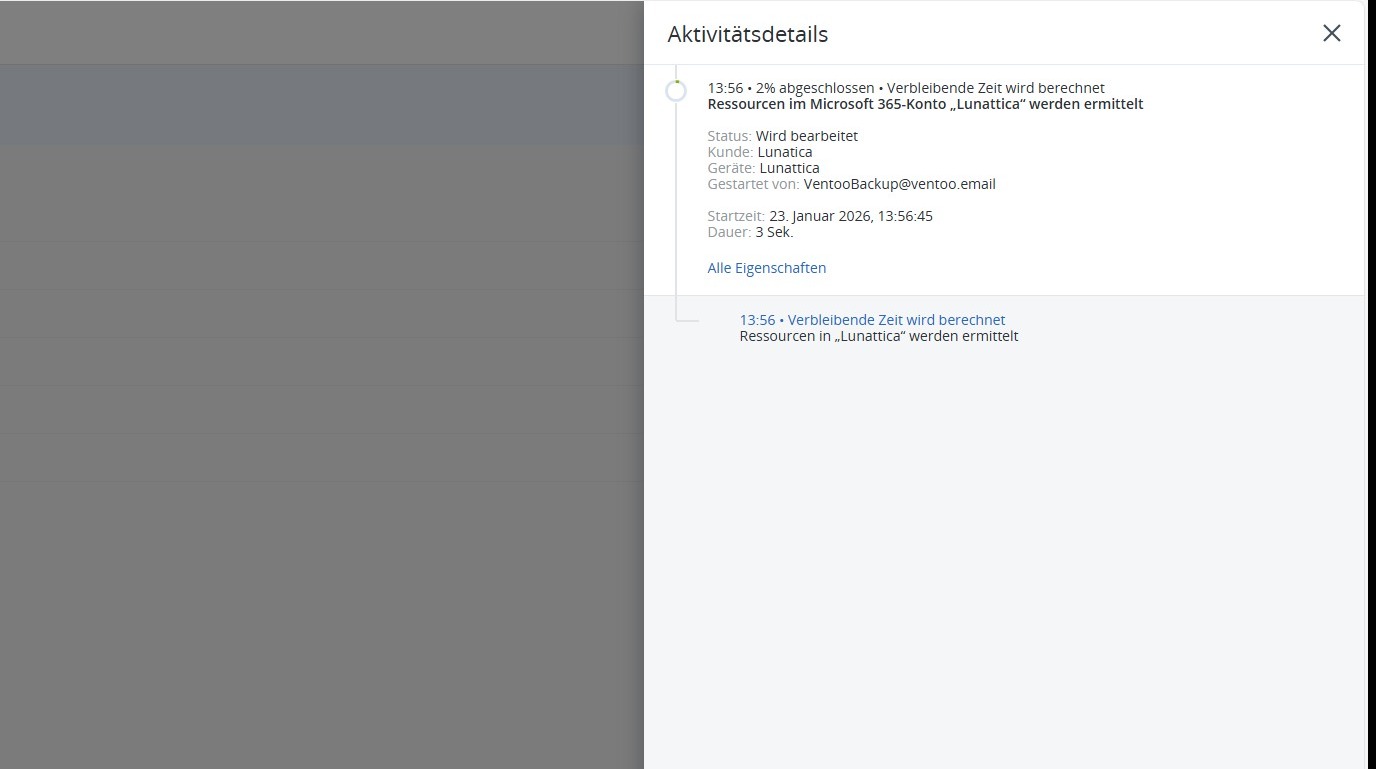
5. Once complete, you will receive a message stating that synchronization was successful. The previously missing users or groups are now visible under your tenant in Ventoo Cloud Backup and can be selected for backups.