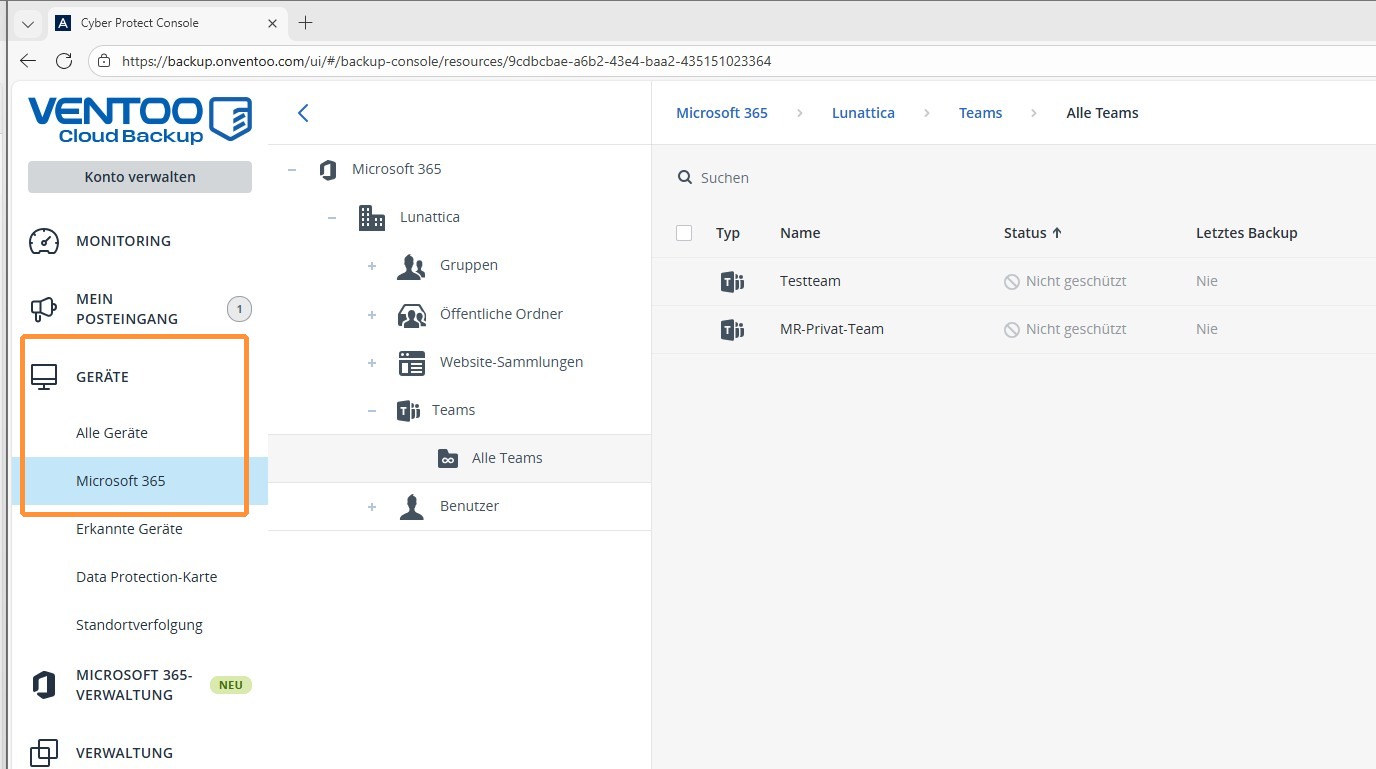
This guide explains how to set up backup for Microsoft 365. You will learn the basic steps for activation and ensure that your Microsoft 365 data is reliably backed up.
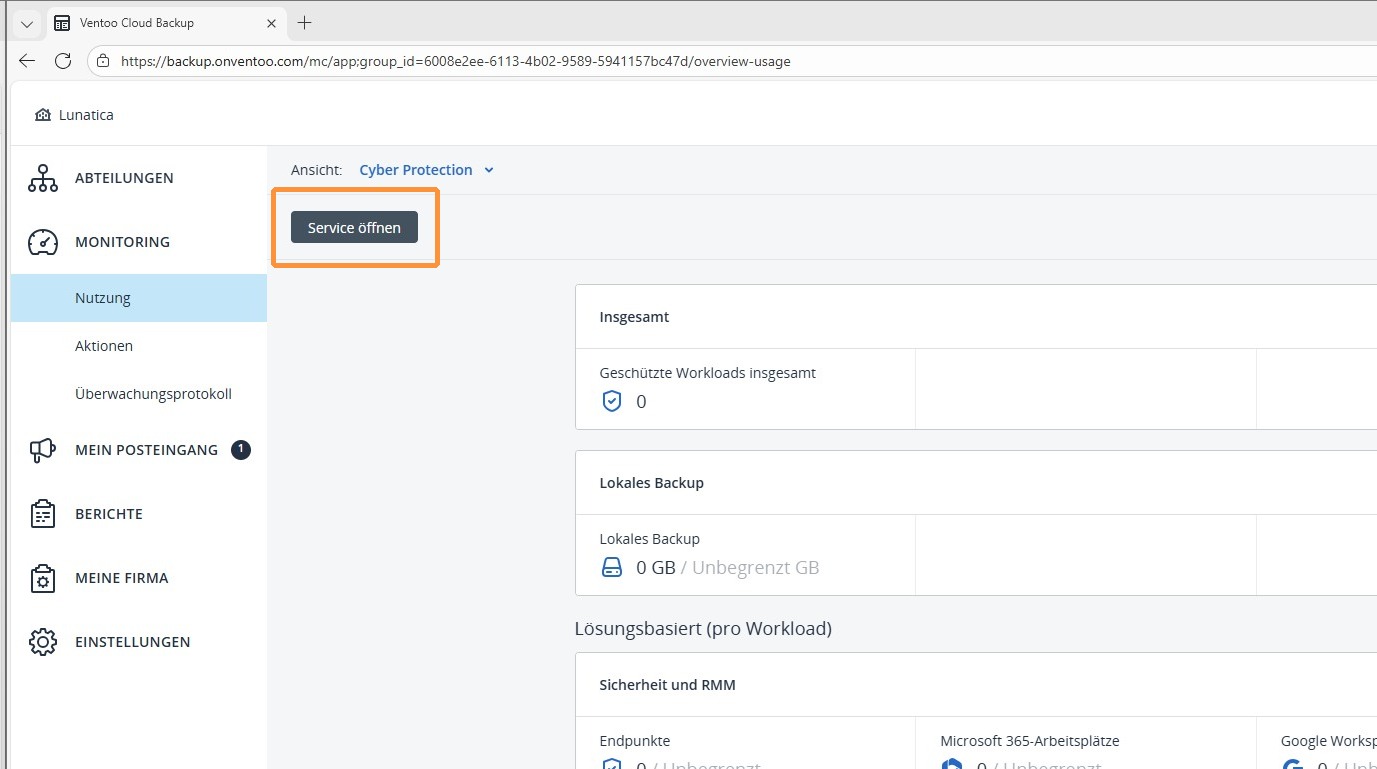
1. Under Monitoring, open the Service section to view the current status and available services.
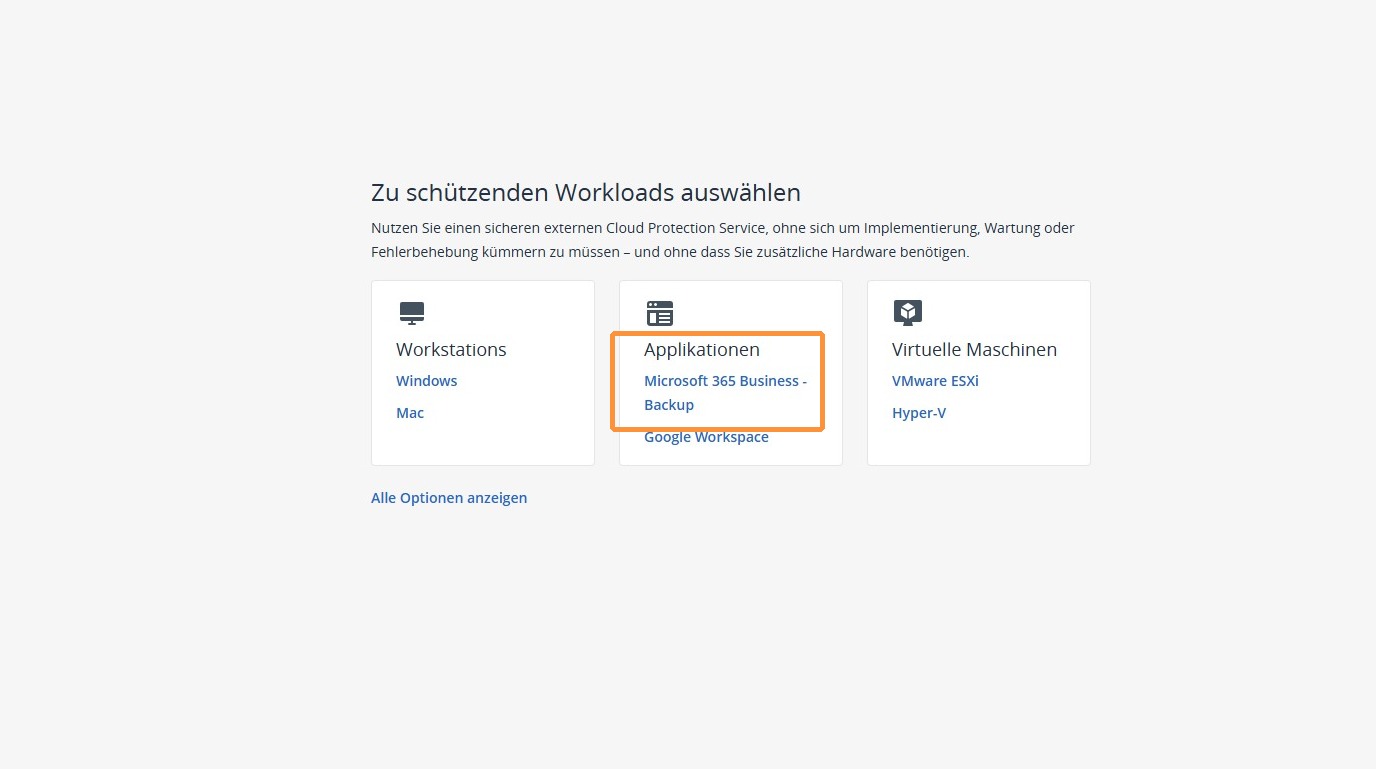
2. Select Microsoft 365 Business Backup as the workload to protect to configure the backup of your Microsoft 365 data.
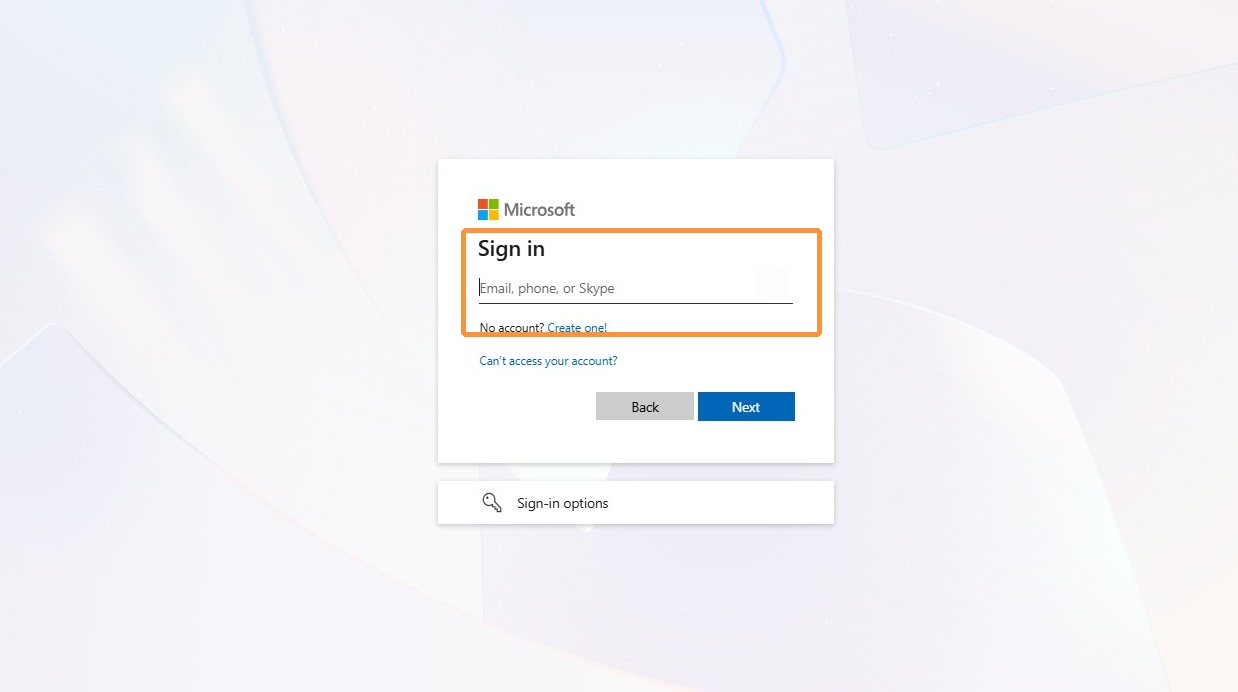
3. Now authenticate yourself with an administrator from your organization. A global administrator is required for the initial setup. This is only necessary for the initial configuration.
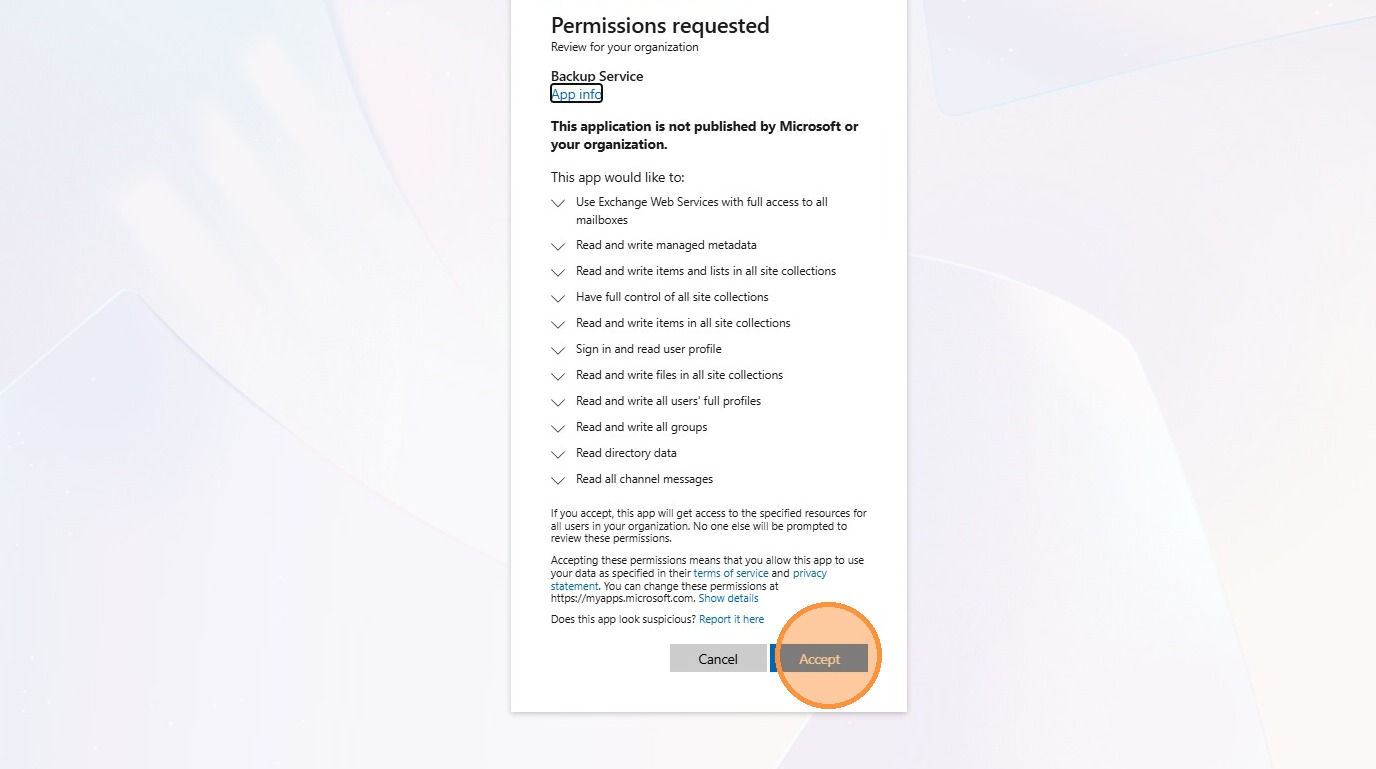
4. Now accept the permissions required by Ventoo Backup.
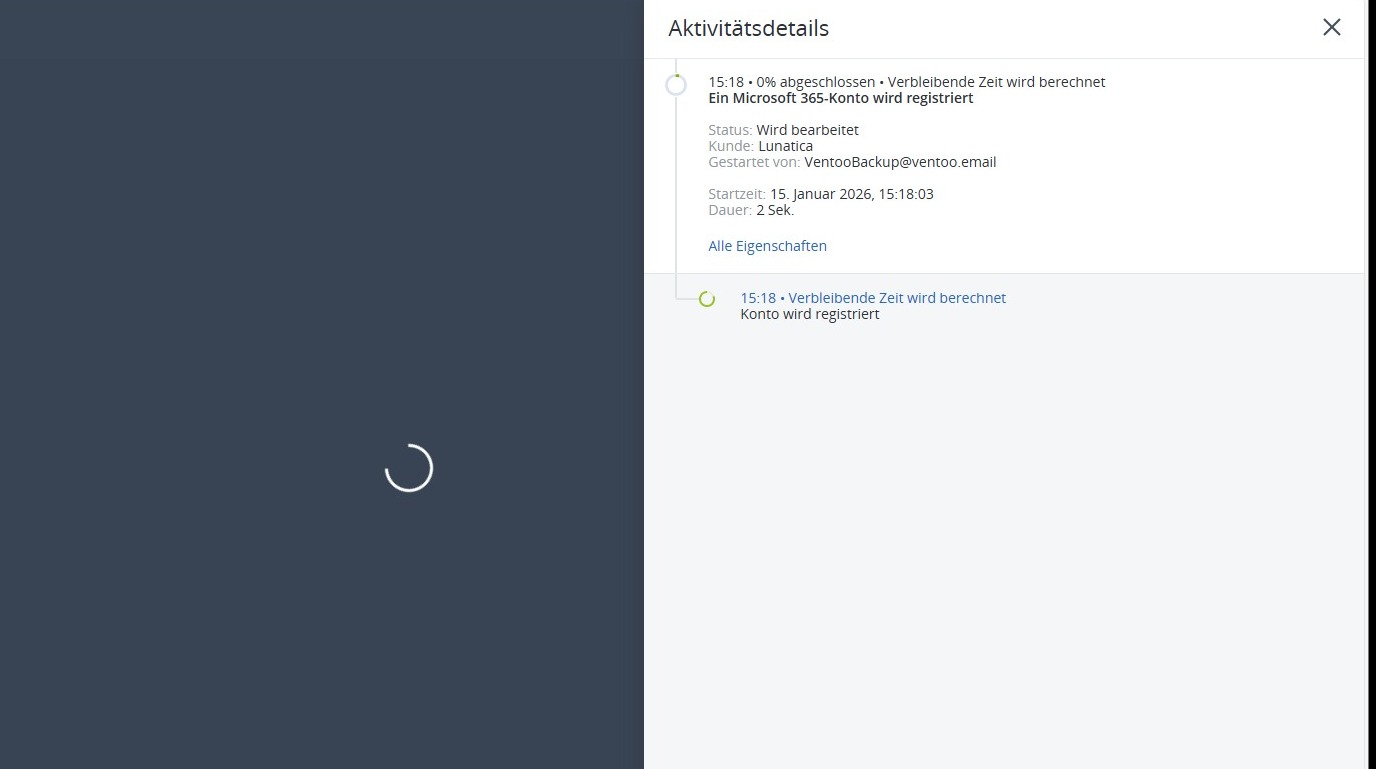
5. The application will now be set up and the data from your Microsoft 365 tenant will be synchronized with Acronis so that the backups can be created correctly.
6. Once setup is complete, you will see all secureable groups, SharePoint sites, folders, teams, and users in your tenant under Microsoft 365 devices.