
Ventoo Document Merger is available as an AppSource app for Microsoft Dynamics 365 Business Central. You can install it directly from Microsoft AppSource or from within Business Central.
Prerequisites
Before installing Ventoo Document Merger, ensure the following:
-
You are running Business Central version 27.2 or later.
-
You have the necessary permissions to install extensions (typically requires the EXTEN. MGT. - ADMIN permission set).
Install from AppSource
-
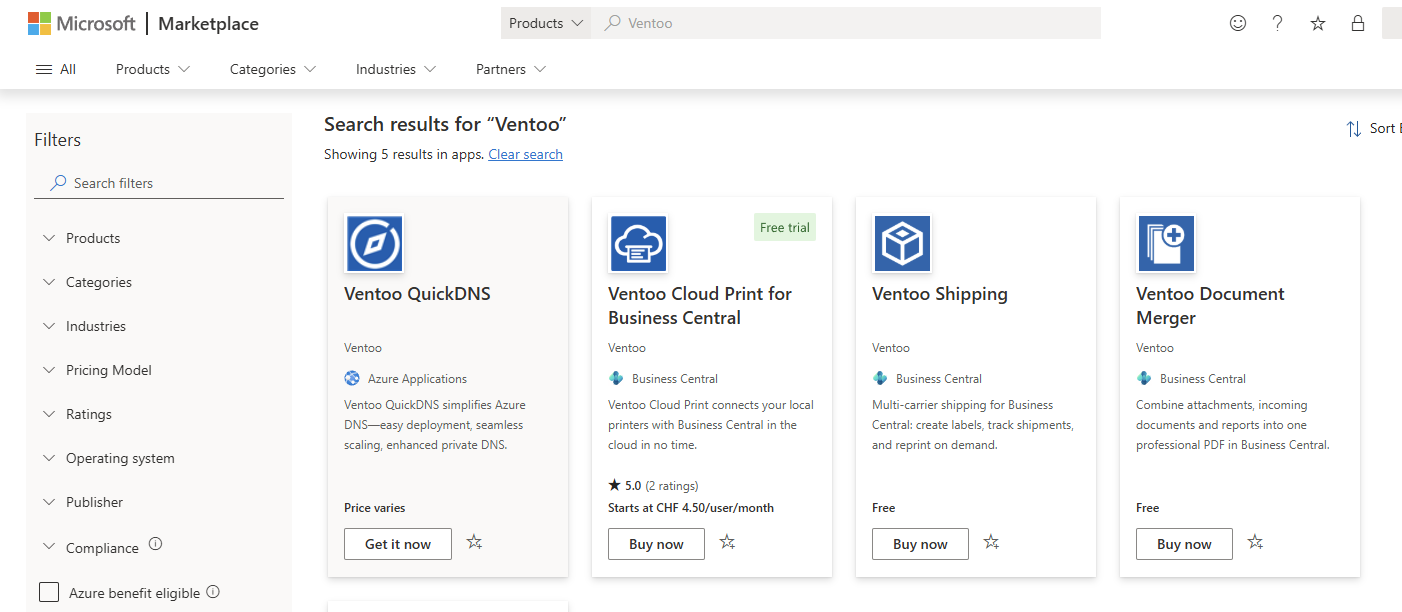
Go to Microsoft AppSource and search for Ventoo Document Merger.
-
Select the app and choose Get it now.
-
Sign in with your Business Central credentials.
-
Select the environment where you want to install the app.
-
Review and accept the terms and conditions.
-
Choose Install.
Install from Business Central
-
Choose the Search icon (Alt+Q), enter Extension Marketplace, and then choose the related link.
-
Search for Ventoo Document Merger.
-
Select the app and choose Install.
-
Review and accept the terms and conditions.
-
Wait for the installation to complete.
Note The installation may take a few minutes. You can check the status on the Extension Management page.
After installation
During installation, Ventoo Document Merger automatically creates the setup record and the default report reference templates. No manual action is required for these initial resources.
After installing Ventoo Document Merger, you should:
-
Assign permissions to users who need access to the feature.
-
Run the assisted setup to create default global rules based on your active features.
Assign permissions
Ventoo Document Merger includes a permission set called Doc. Merge that grants access to all Ventoo Document Merger tables, pages, and codeunits.
To assign the permission set to a user:
-
Choose the Search icon (Alt+Q), enter Users, and then choose the related link.
-
Select the user you want to grant access to.
-
On the User Permission Sets FastTab, add the Doc. Merge permission set.
Tip You can also assign the permission set through user groups or security groups for easier management across multiple users.